 NOXLIN
Open beta
You know more than your LinkedIn shows.
Noxlin turns your ideas, experience and point of view into credible LinkedIn content, without turning content into another job.
One free preview. Connect LinkedIn to keep writing and to publish.
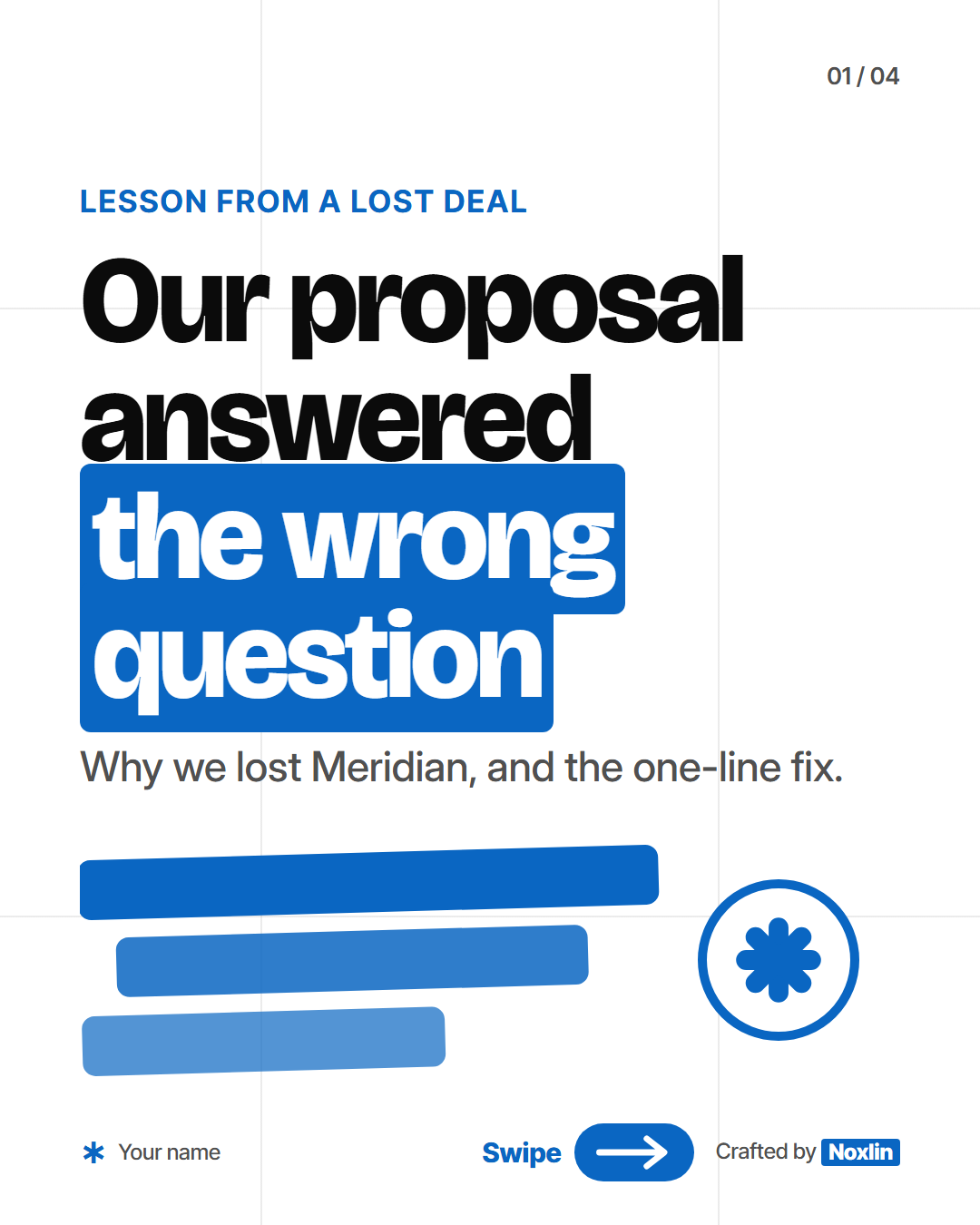
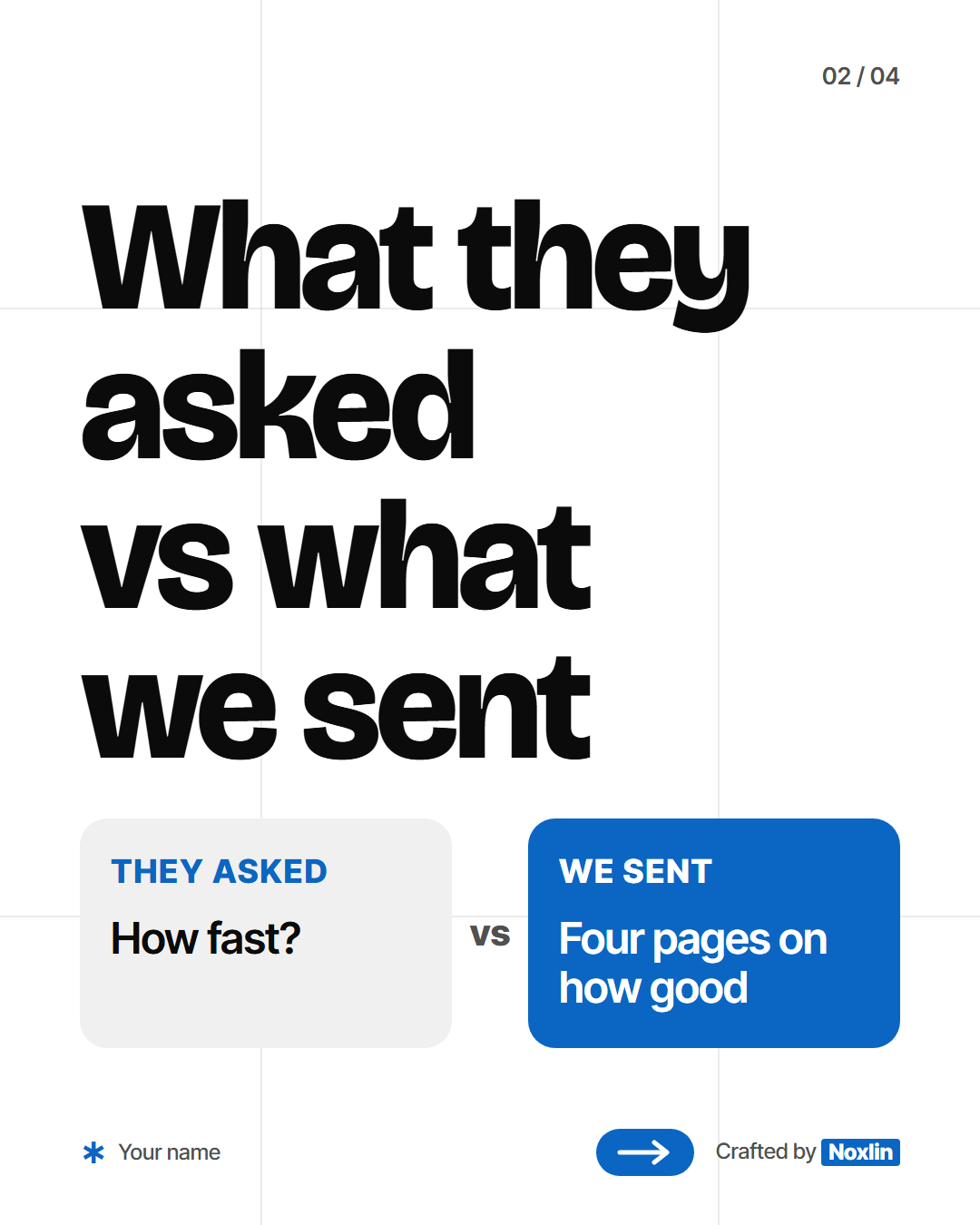
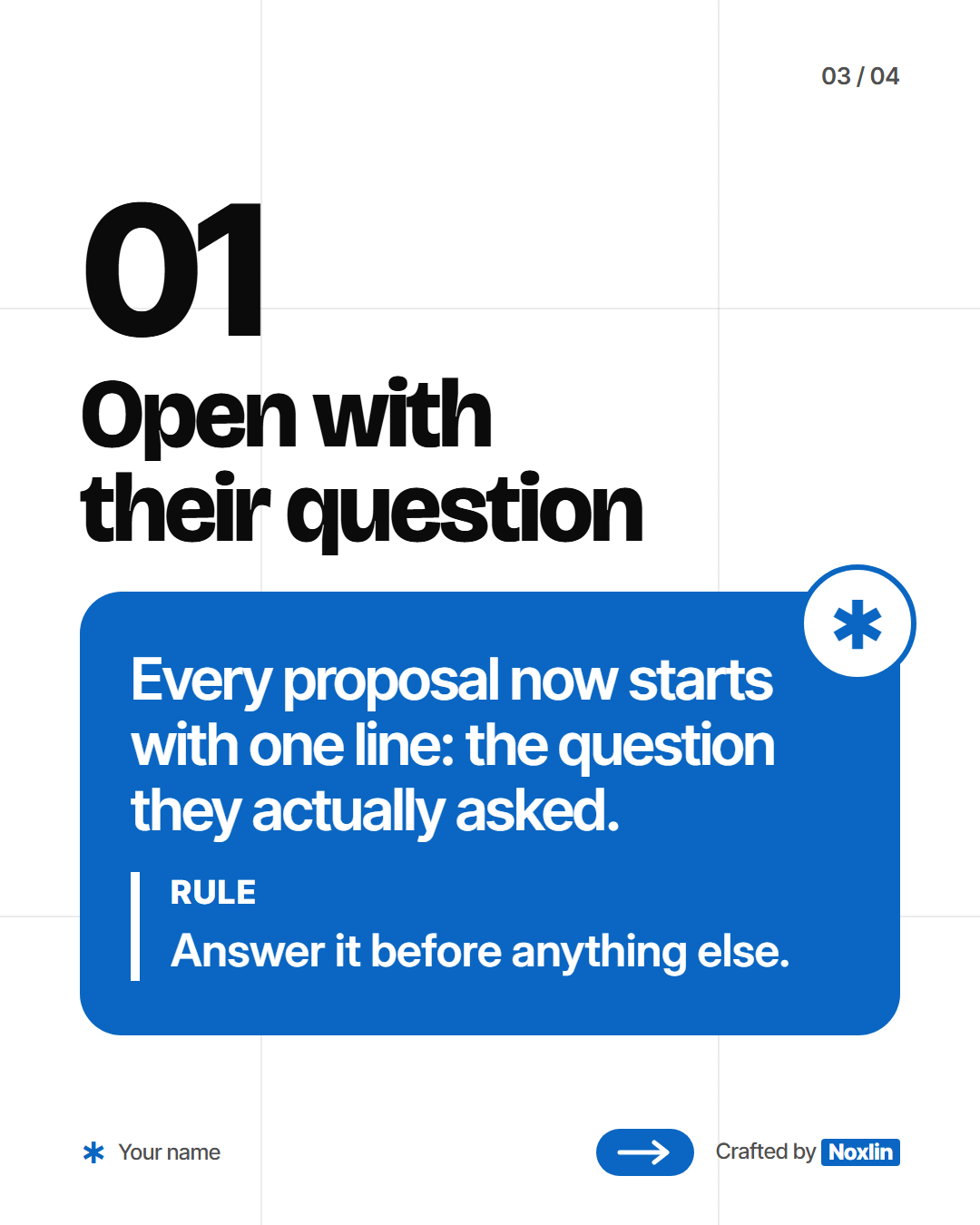
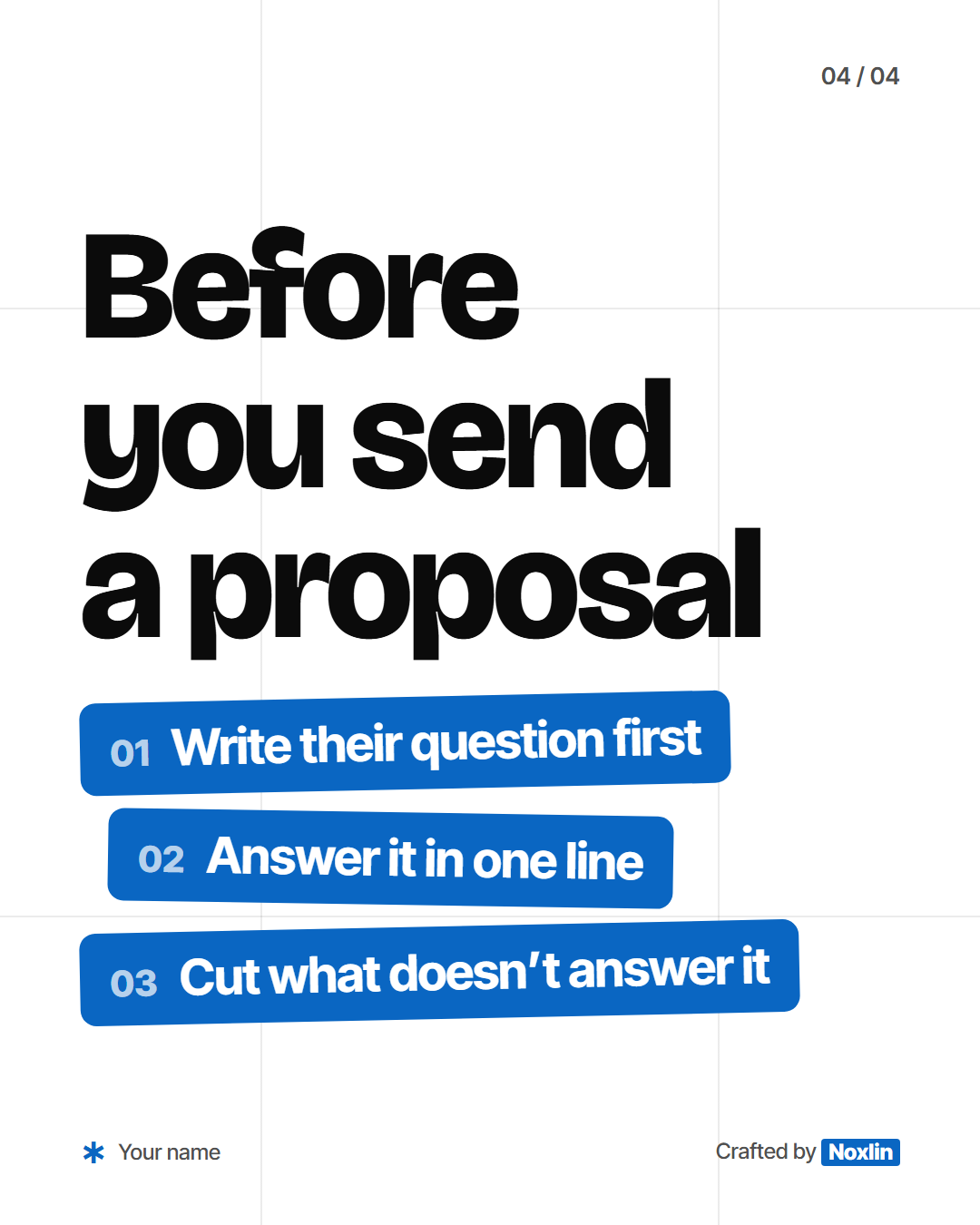
The tools work. The handoffs still sit between them.
One place that does.
A chat assistant
Write the post, then leave the chat
Your notes
The idea sits there for weeks
A design tool
Make the visual separately
A scheduler
Copy, paste, pick a time
Already using ChatGPT or Claude?
Keep them for everything else. Noxlin is the LinkedIn routine around them.
01 / 04 · Start
Start from what you already said.
One sentence, plus anything you have: a transcript, a PDF, a link. Noxlin reads it as reference.
02 / 04 · Write
It writes in your voice.
Reading your idea, looking up what’s new, writing, then checking the claims. A minute or less.
03 / 04 · Check
Anything it can’t back up, it flags.
One line isn’t supported by your transcript. Noxlin marks it instead of hiding it. You keep, change or cut it.
04 / 04 · Publish
You press Publish.
Post now or pick a time, straight to LinkedIn, with a carousel made from the finished post.
Carousels
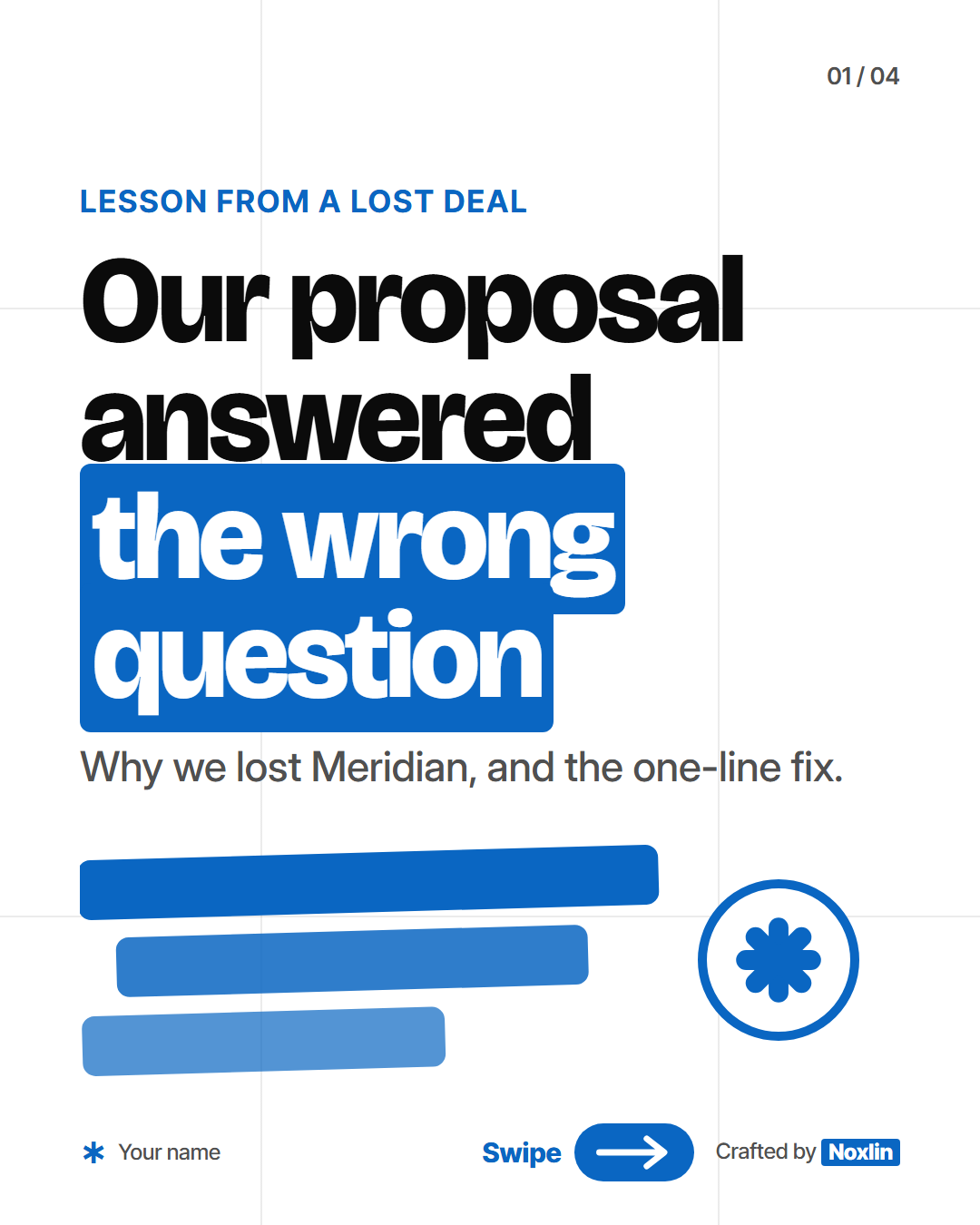
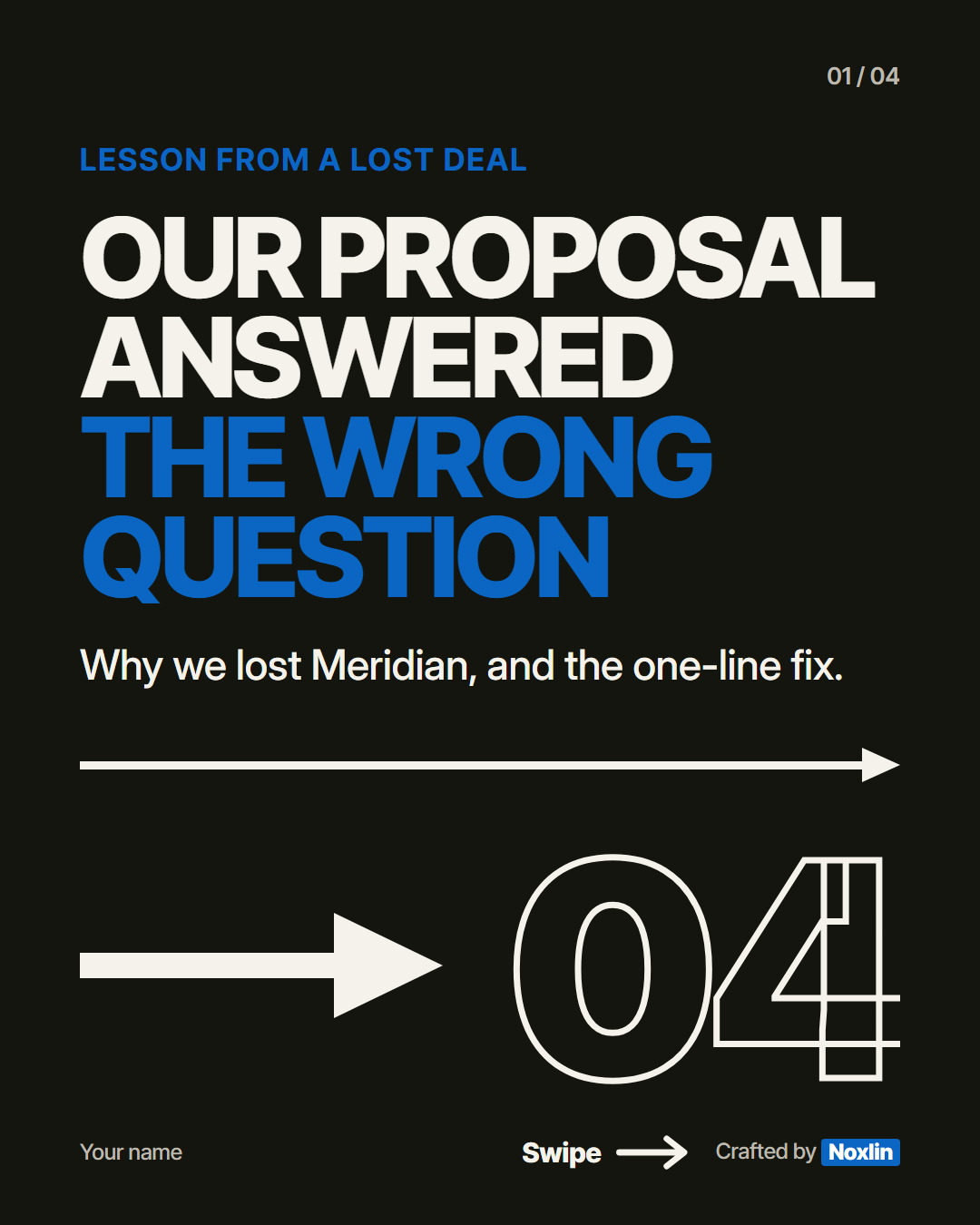
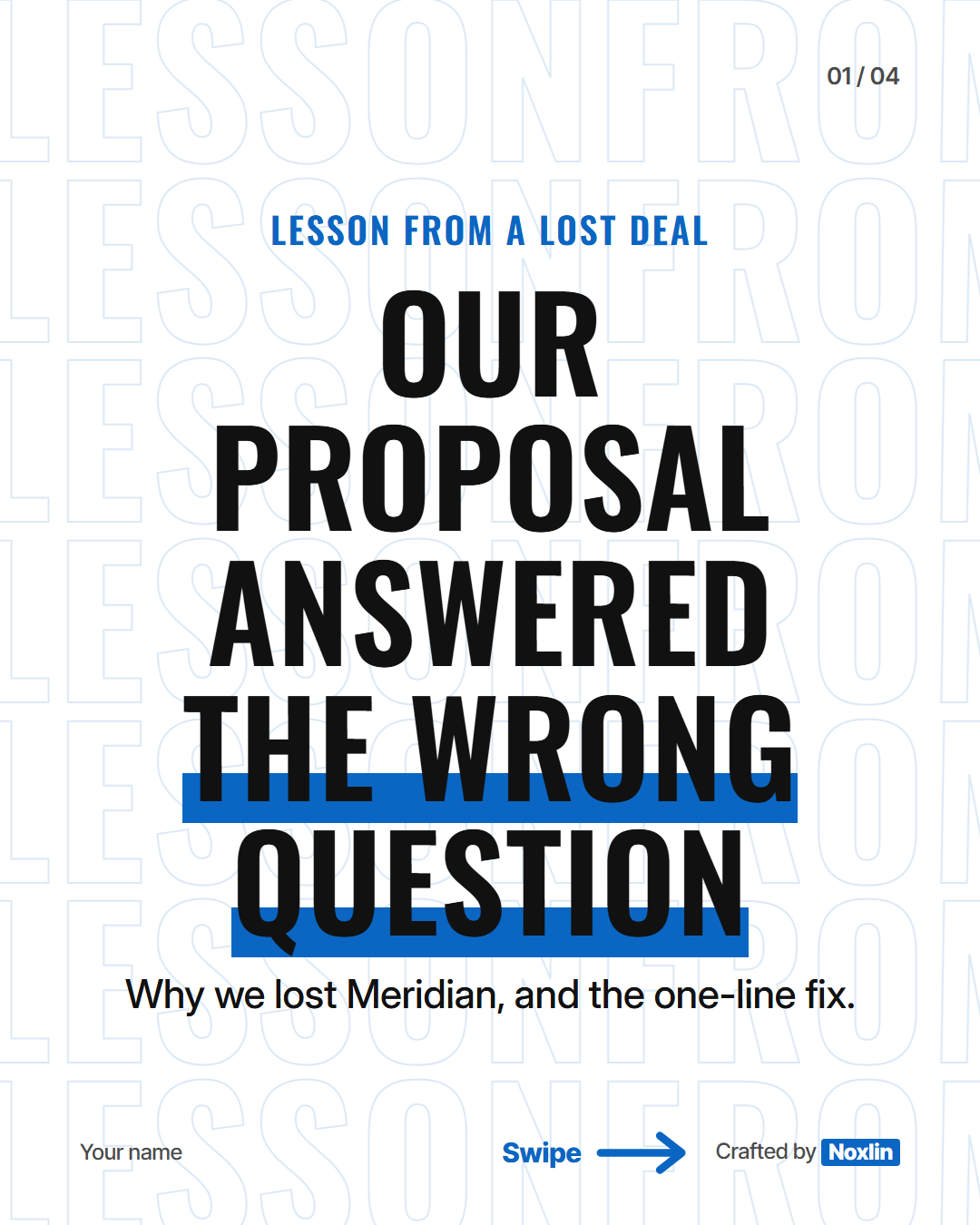
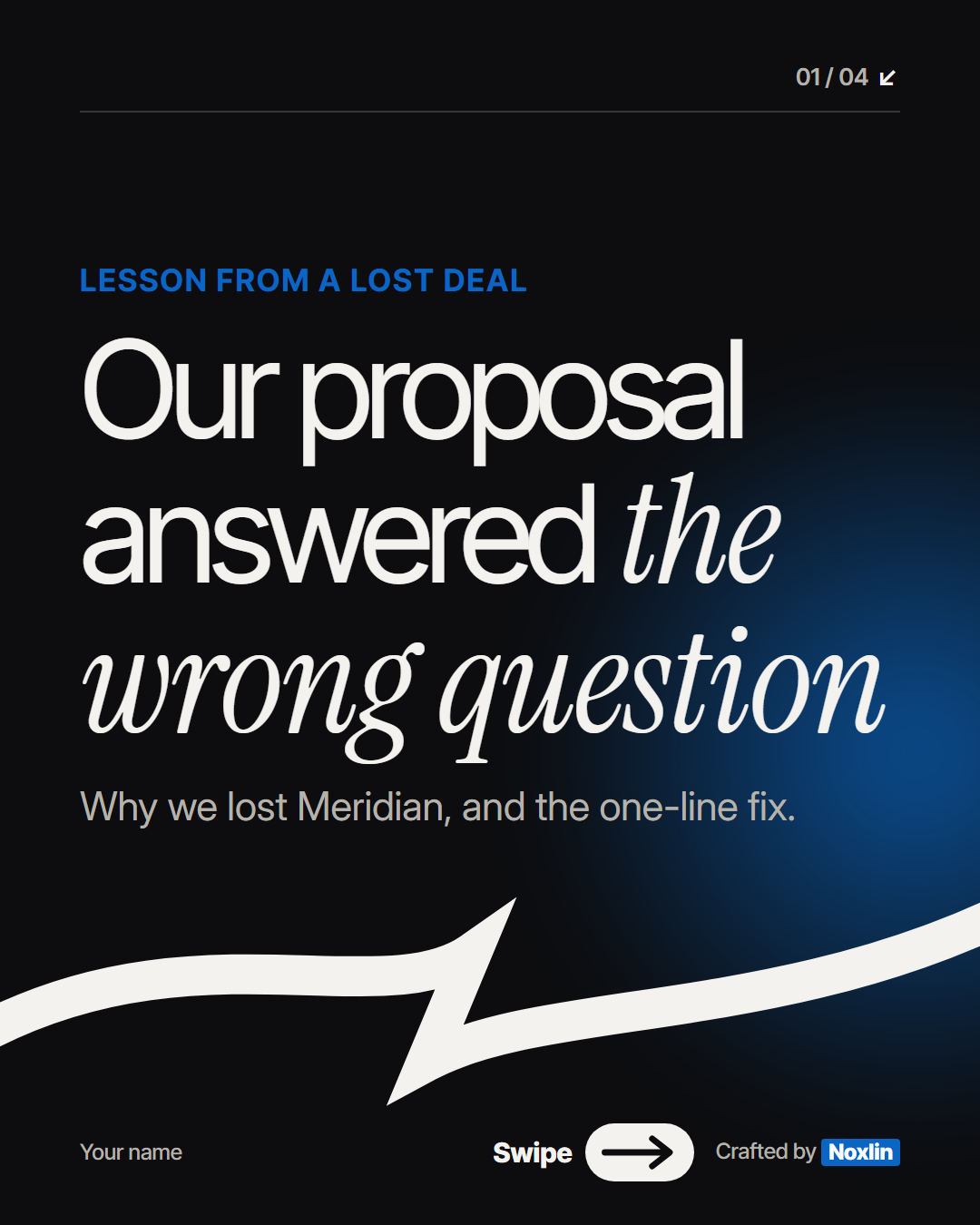
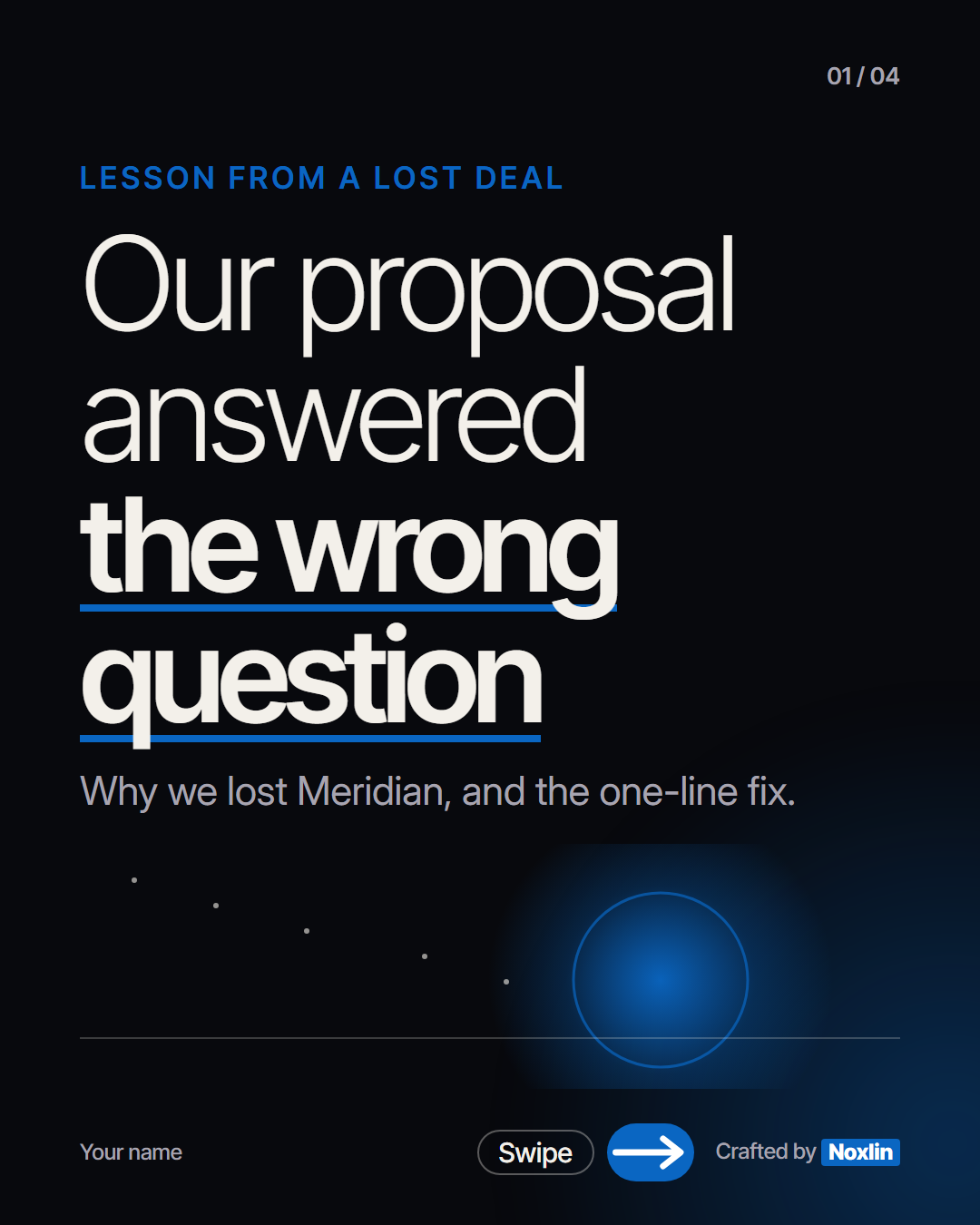
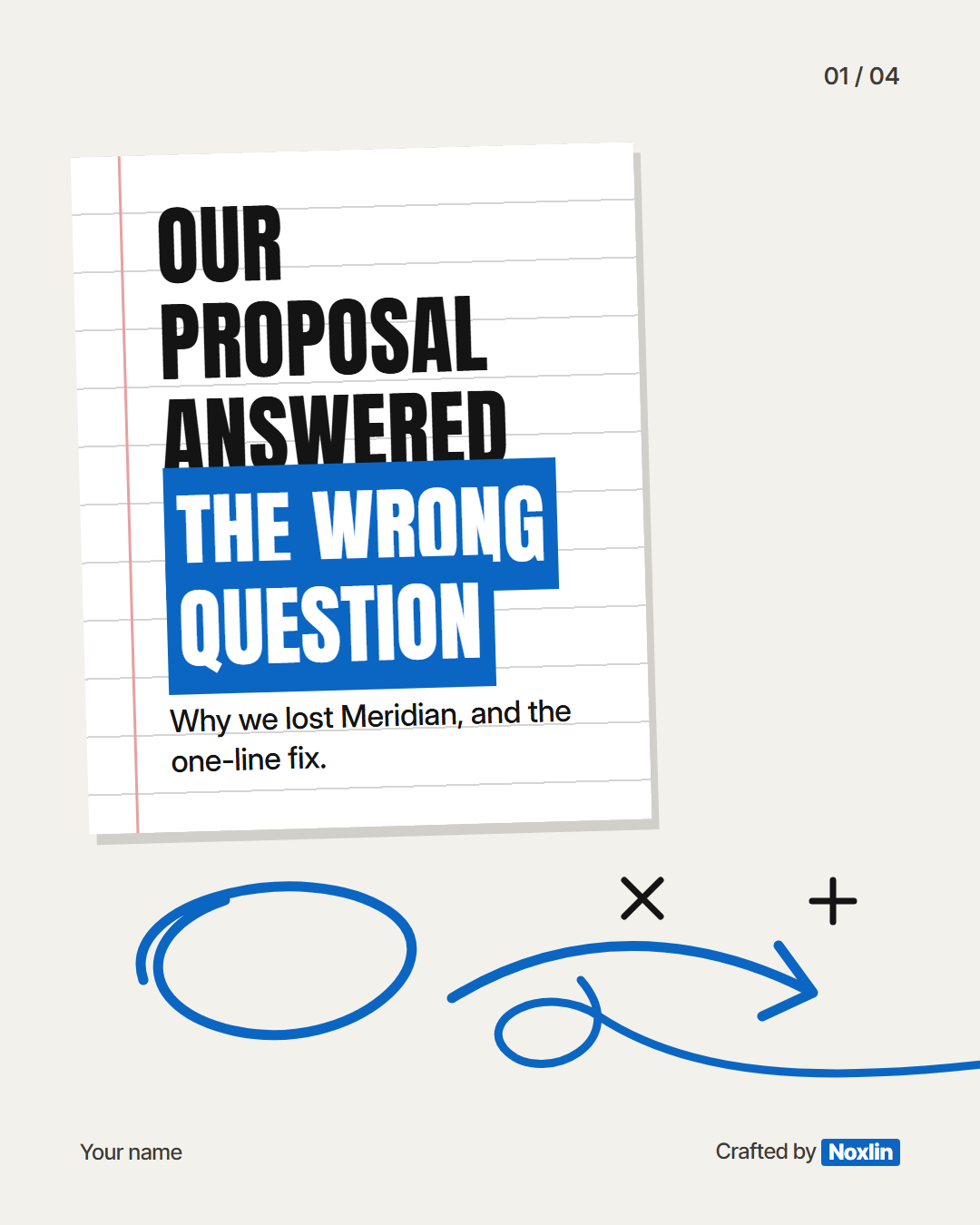
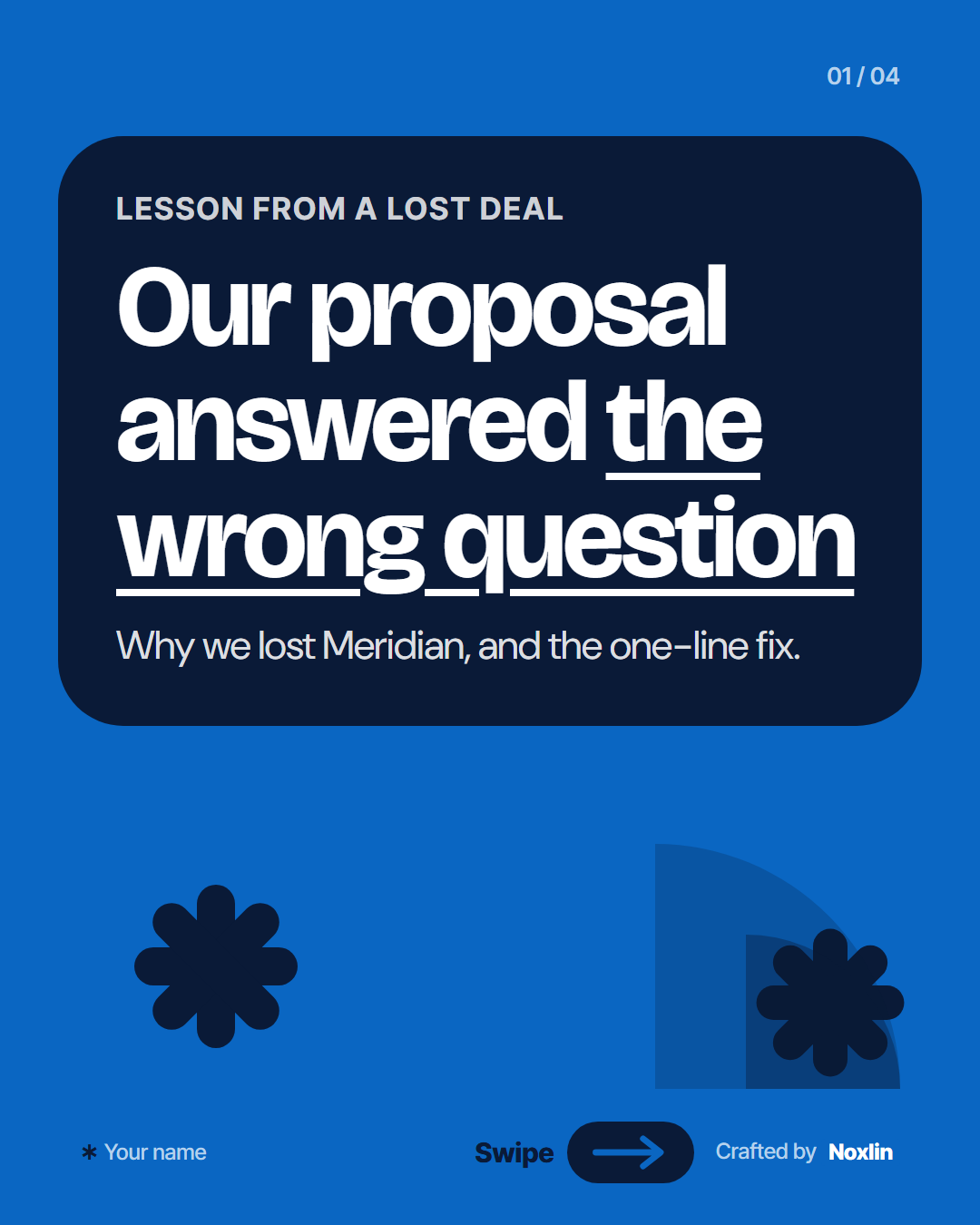
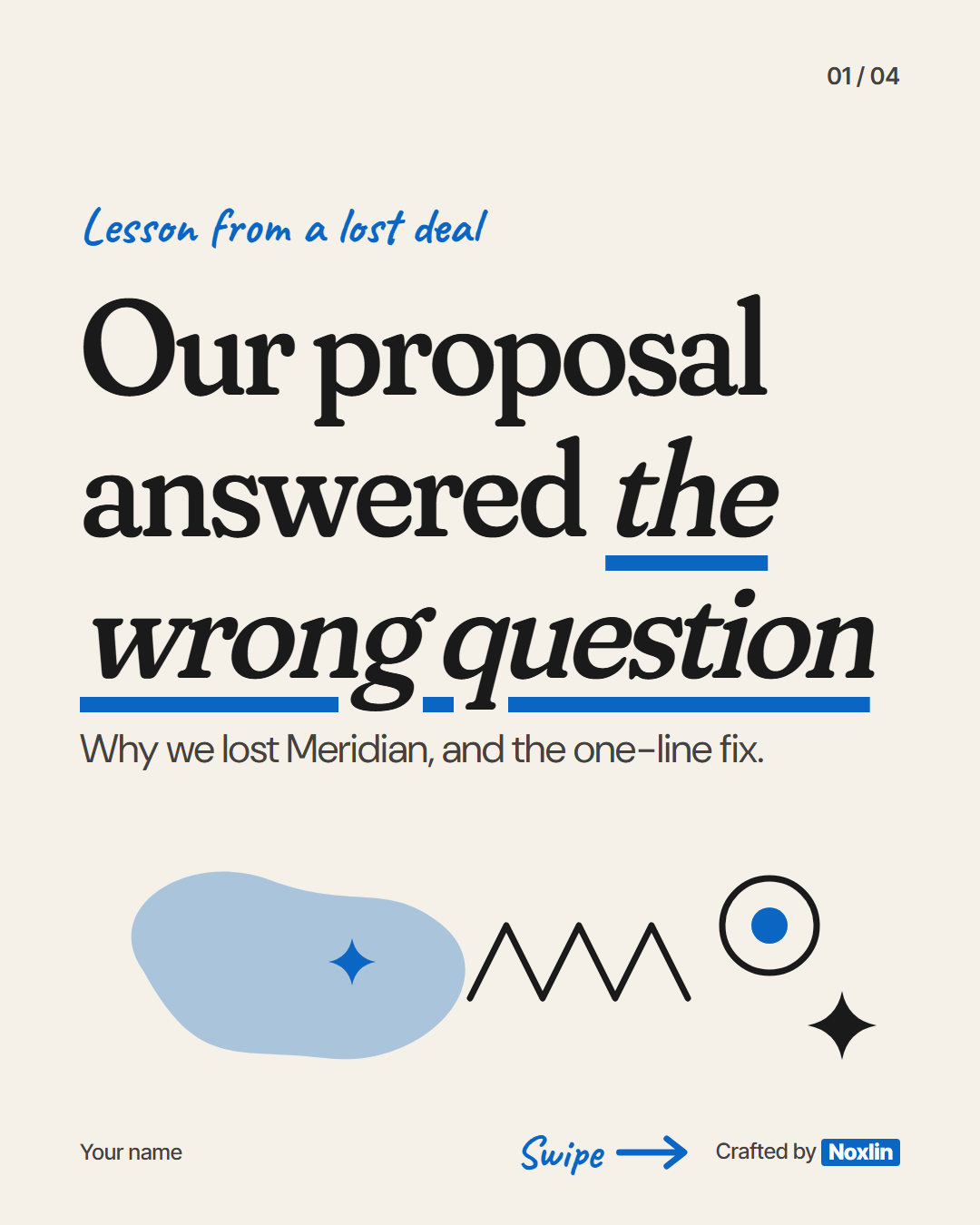
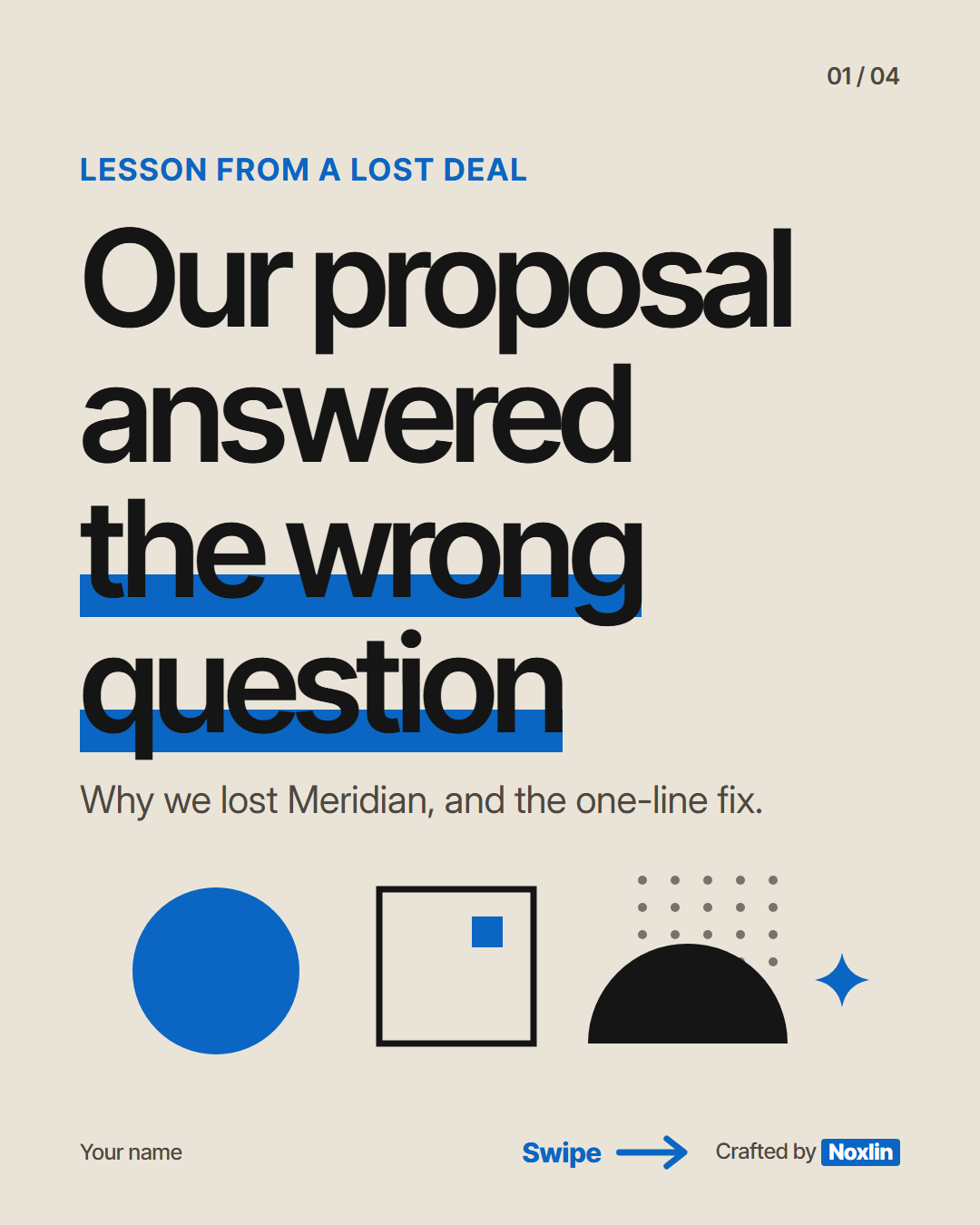
One post. A carousel made from it.
Every post can carry a carousel built from its own words, in the style you choose. Charts and figures appear only when your post includes them. Available on Pro. Sample demonstration. Not a customer result.
Your voice
Built to sound like you, not like AI.
Noxlin studies your writing and your edits, and lets you ban the phrases that give AI away.
Draft from a generic assistant · example
In today’s fast-paced worldSays nothing. Cut., every founder needs to leverageNot your word. LinkedIn to unlockBanned by you. growth. The secretClickbait.? Consistency. It’s not just posting, it’s building a brand. Thoughts?Ask a real question or none.
In your words
We lost a deal last month because our proposal answered the wrong question. The client asked “how fast?”. We spent four pages on “how good”. Now every proposal opens with one line: the question they actually asked.
The approval path
Five steps. Three of them are yours.
-
Step 1
Drafted
-
Step 2
You review
You
-
Step 3
You edit
You
-
Step 4
You approve
You
-
Step 5
Published or scheduled
Promises
What we promise, and what we don’t.
You press Publish
In the beta, a post goes out when you press Publish, or at the time you picked.
It shows its work
Every line is checked against the material you gave before anything is published.
LinkedIn’s own sign-in
You continue with LinkedIn. There is no Noxlin password to create, and it publishes only to the account you connect.
What it learned, in writing
What Noxlin has learned about how you write is spelled out on your Personalization page, where you can read it and disagree.
Autodraft
Your posts, drafted ahead. Better every week.
Autodraft writes next week’s posts from your topics. It learns from every edit you make and every draft you approve, so each batch sounds more like you. It waits for your OK. In development, not part of the beta yet.
Noxlin helps create voice-matched LinkedIn content. It does not guarantee reach, followers, leads, or revenue.
Try Noxlin on your next post.
Turn your ideas, notes or links into LinkedIn posts and carousels in your voice. Review everything, and publish when you're ready.
14-day free trial · 10 posts, including 3 image posts and 2 carousels · no card
Start with LinkedIn, or try 1 draft without signing in. Already use Noxlin? Sign in with LinkedIn.
- Drafts in your voice
- Images and carousels
- You decide what publishes
Your idea
“we lost the Meridian deal. they asked how fast, we wrote four pages on how good”
Your name
Draft · ready to review
We lost a deal last month because our proposal answered the wrong question.
The client asked “how fast?”. We spent four pages on “how good”.
Most teams lose more deals to relevance than to price.
Now every proposal opens with one line: the question they actually asked.
Sample post · slides made from it by Noxlin